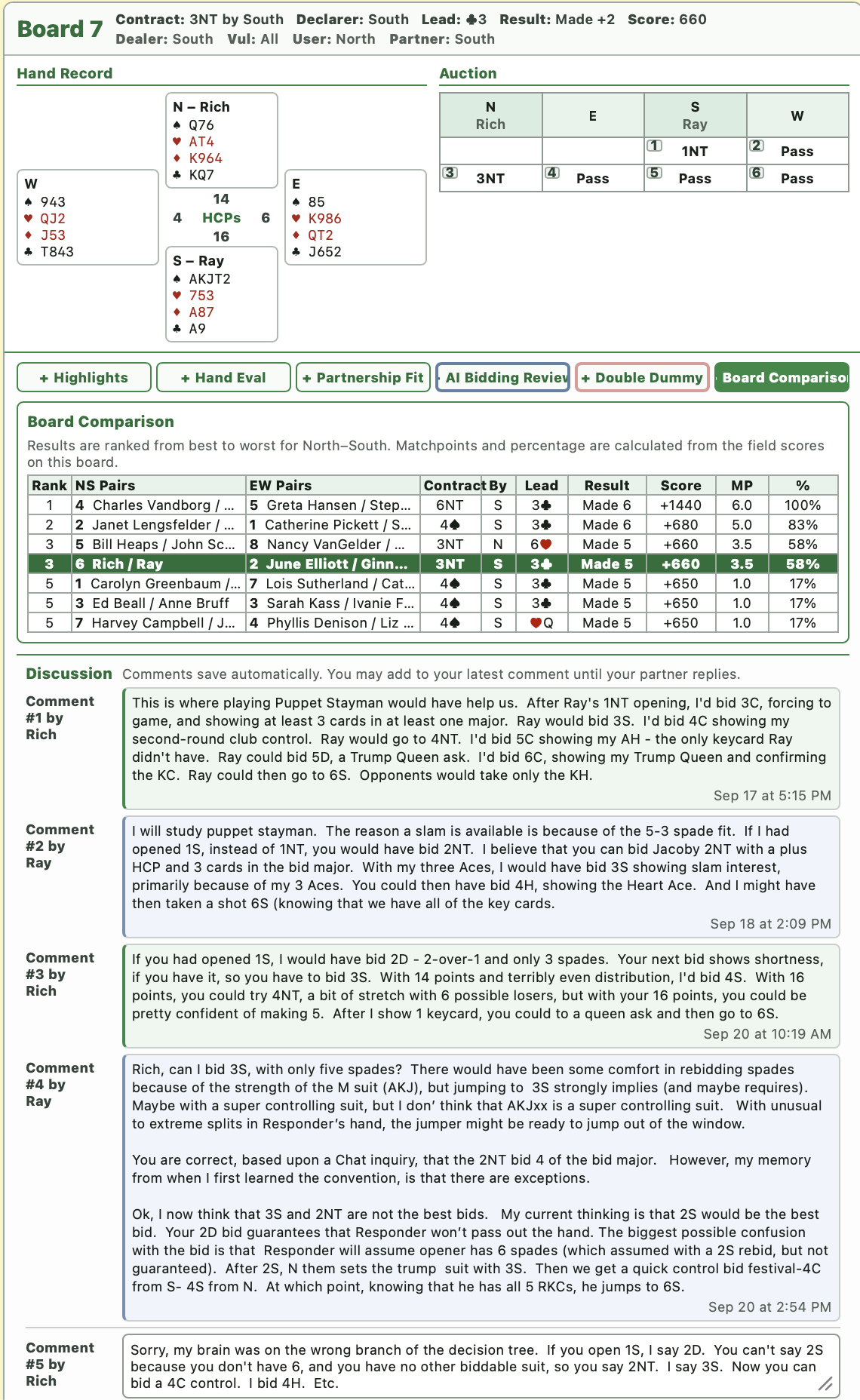
Contract Level Summary
See how many slams, games, and partials were bid, made, or set, broken down by declarer.
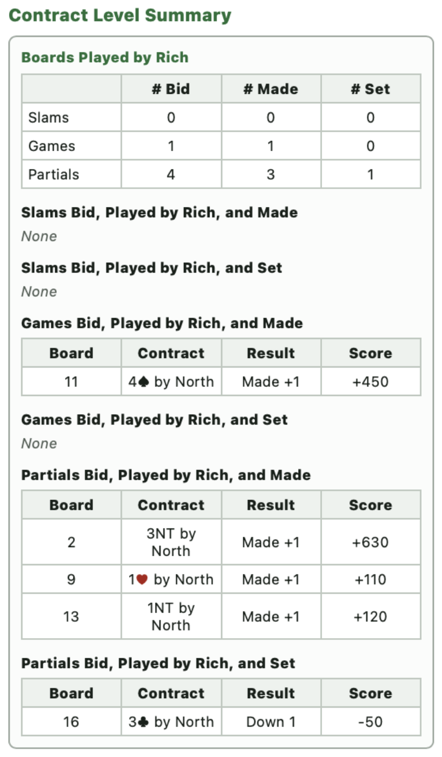
Reports
BridgeLog reports are designed to help you and your partner review your performance, discuss individual boards, and improve your game. This page walks through the 3 major sections of a BridgeLog report.
Reports are best viewed on a Mac, PC, or large tablet, but can be viewed on any device with Internet access, including smartphones.
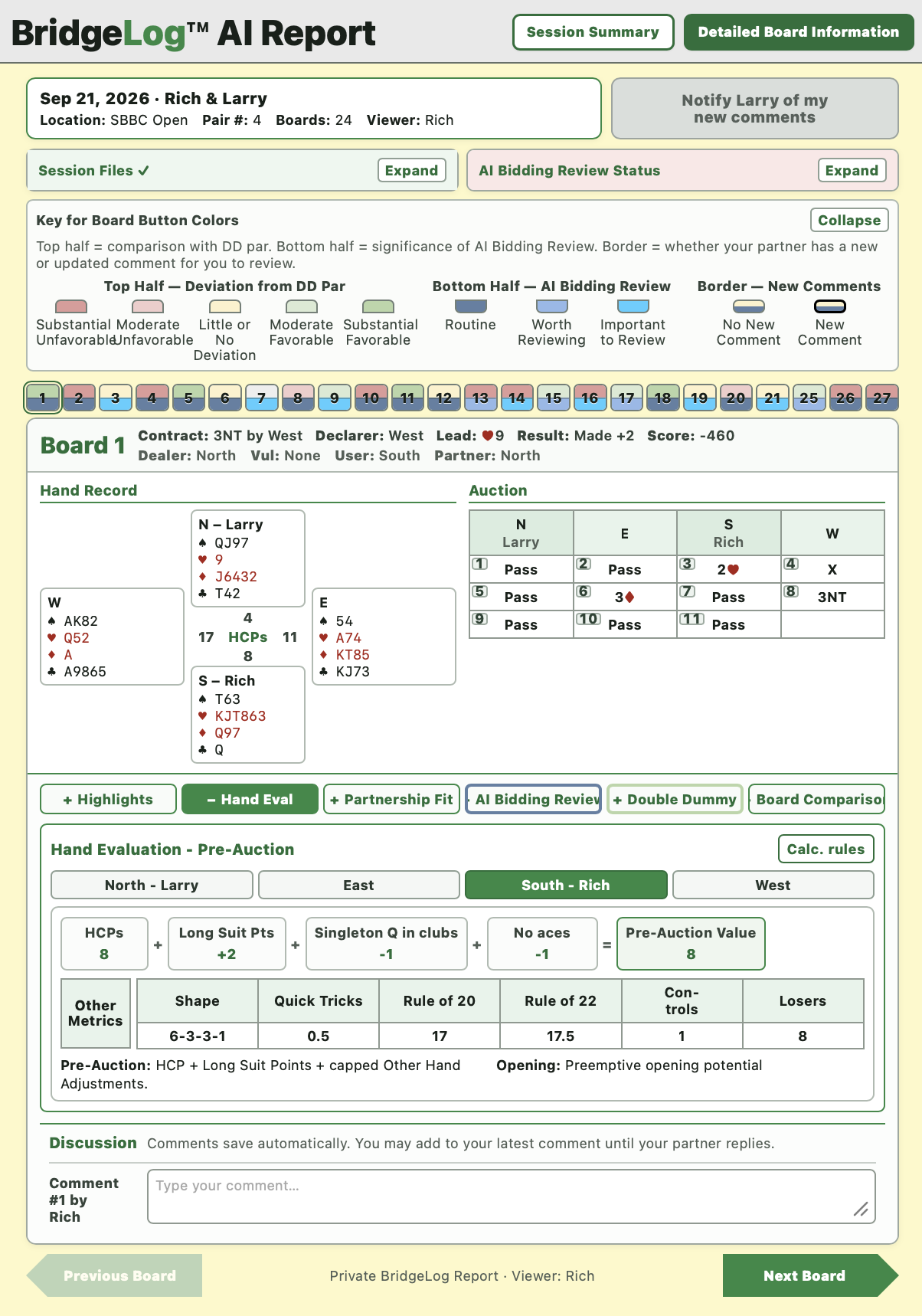
Game Summary
The Summary portion of the report gives you a board-by-board scoresheet and several summary views to help you identify patterns, strong results, and boards worth reviewing.
A complete list of the boards you played, including dealer, vulnerability, contract, declarer, lead, result, score, and—when available—matchpoints and board percentage.
You can click on any board number to view that board's hand, auction, results, and analysis in the Detailed Board Information section.
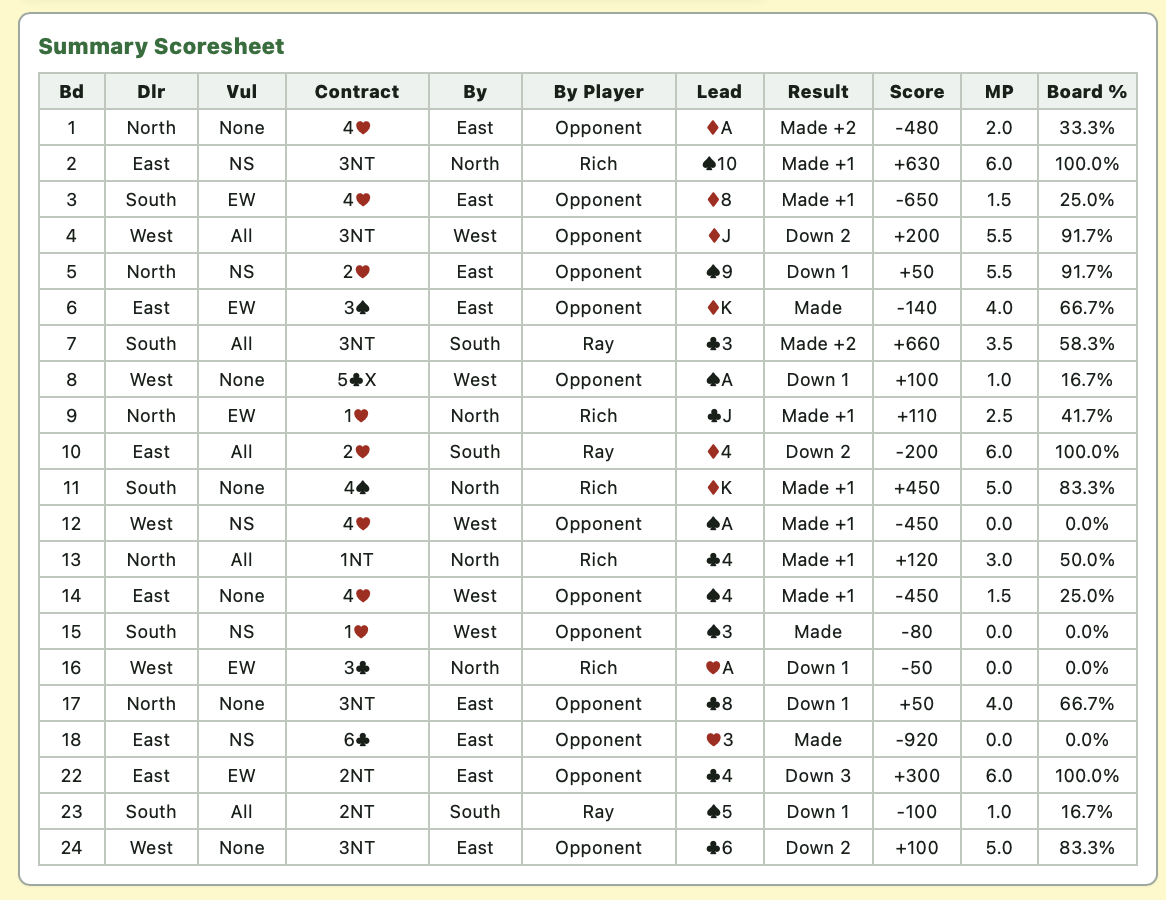
See how many slams, games, and partials were bid, made, or set, broken down by declarer.
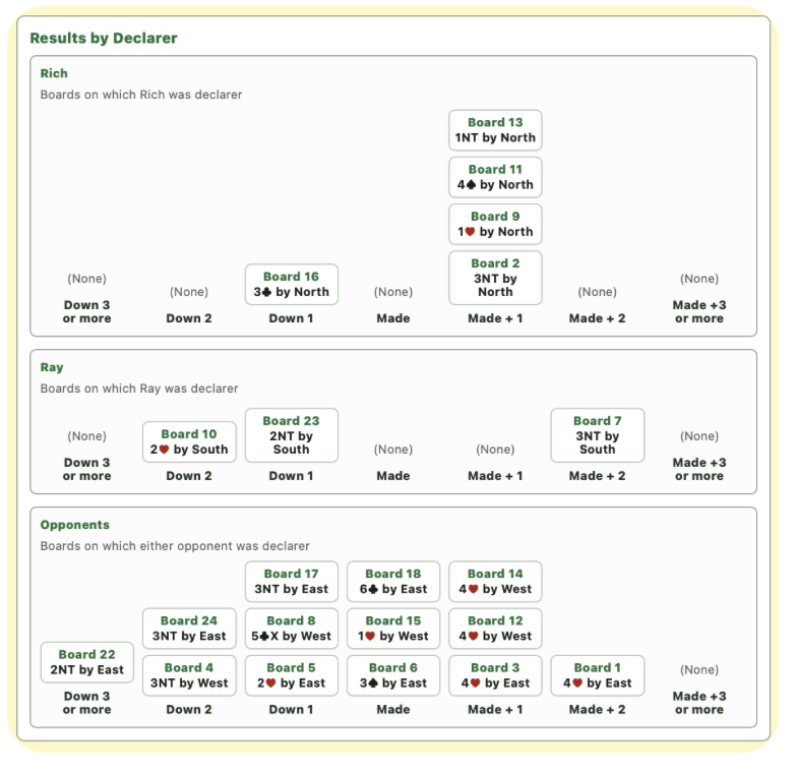
Review how you, your partner, and the opponents performed when they were declarer.
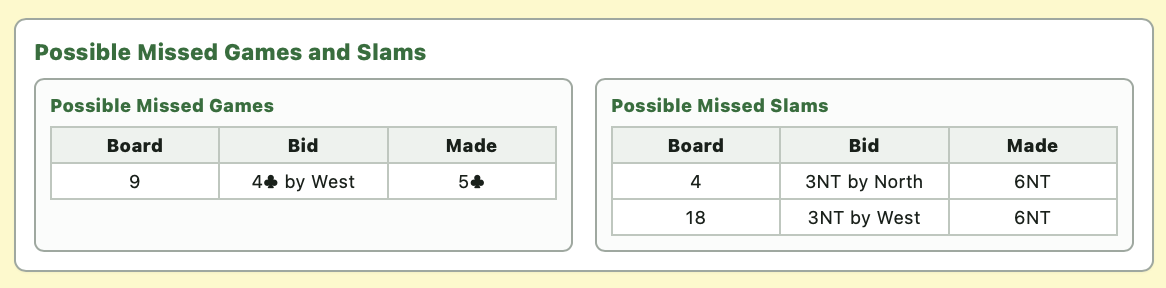
Quickly identify boards where a game or slam may have been missed.
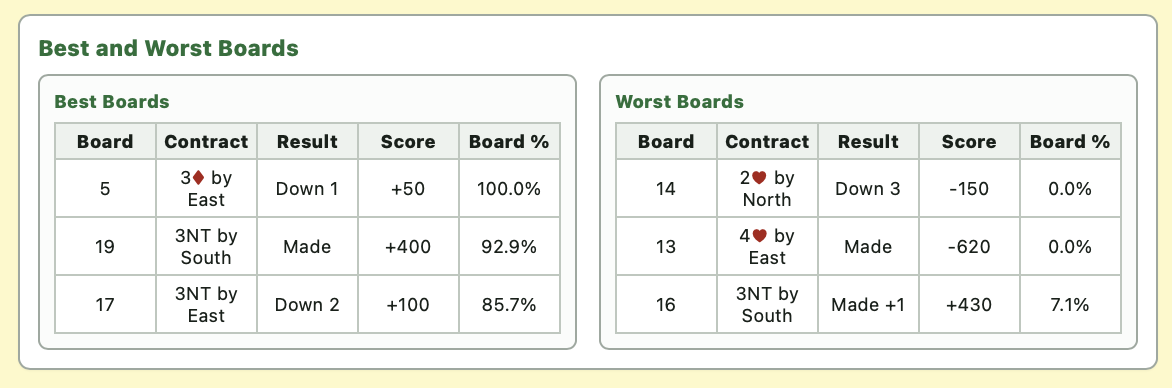
See the boards that helped you most and the ones that hurt you most.
Detailed Board Information
On this page, you click on the color-coded board number button to show that board.
First are the facts, the hand record, and the auction.
Then you can view as many or as few of the following sections as you like, keeping the Discussion section on your screen if you wish as you type comments for your partner:
Below the sections you choose to open is the Discussion section.
Highlights
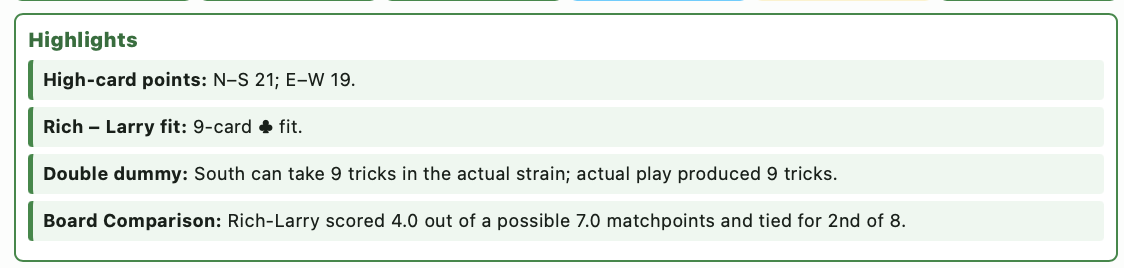
A quick summary of the most important takeaways from the board, including high-card points, partnership fit, double-dummy expectations, and field comparison.
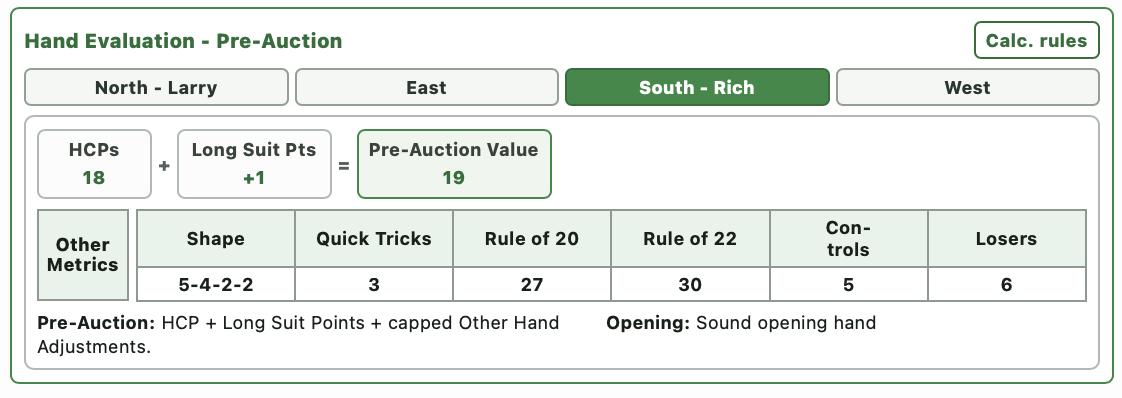
Hand Evaluation
Review high-card points and several adjustments—such as long-suit points—along with shape, quick tricks, controls, and losers.
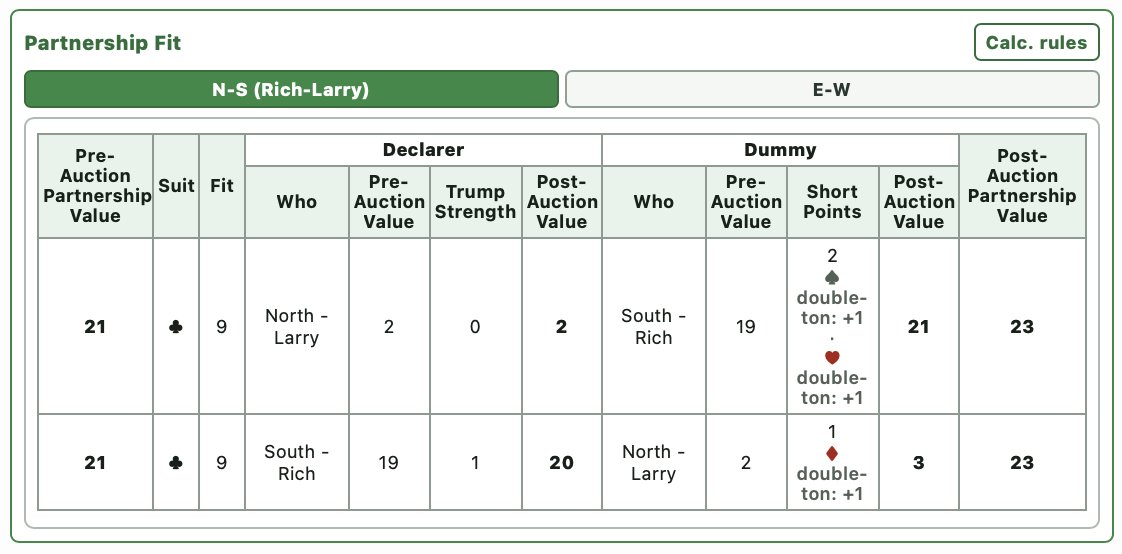
Partnership Fit
See how the combined partnership values fit together, including suit length, trump strength, dummy points, and post-auction partnership values.
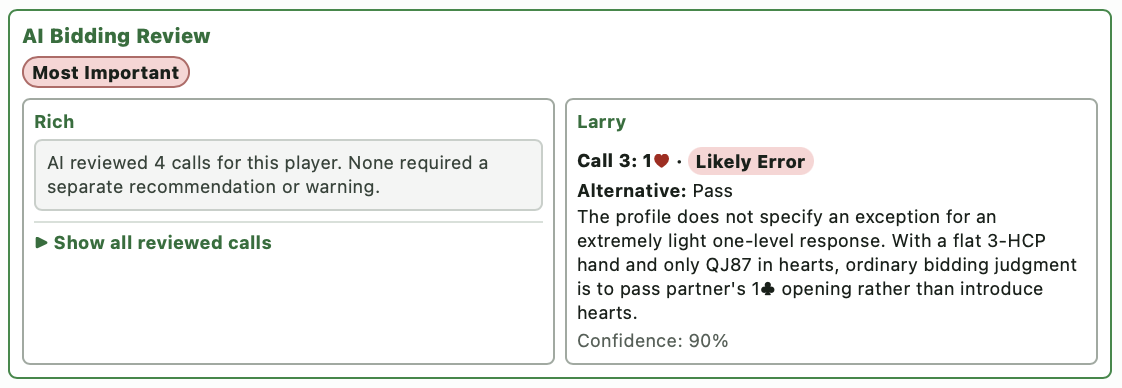
AI Bidding Review
Optional AI feedback on bidding by you and your partner, using your partnership agreements when available. Boards can show focused recommendations—or confirm that no separate warning or recommendation was needed.
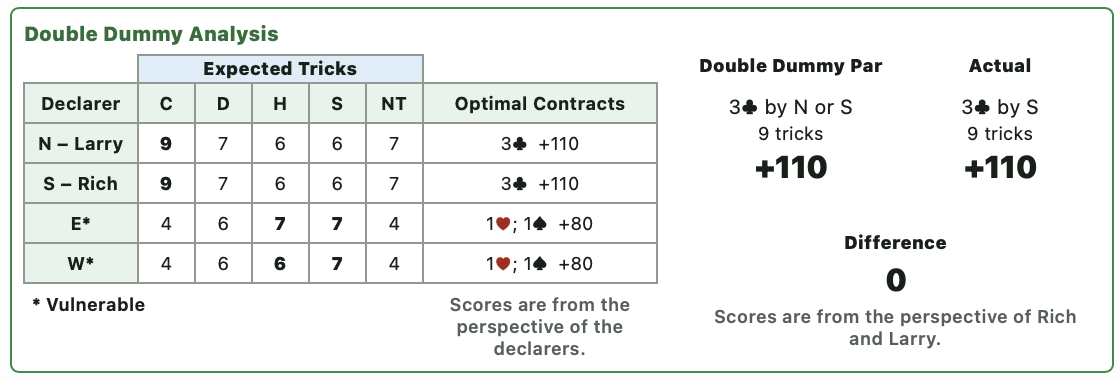
Double Dummy Analysis
Compare the actual contract and score with double-dummy par, expected tricks, and optimal contracts.
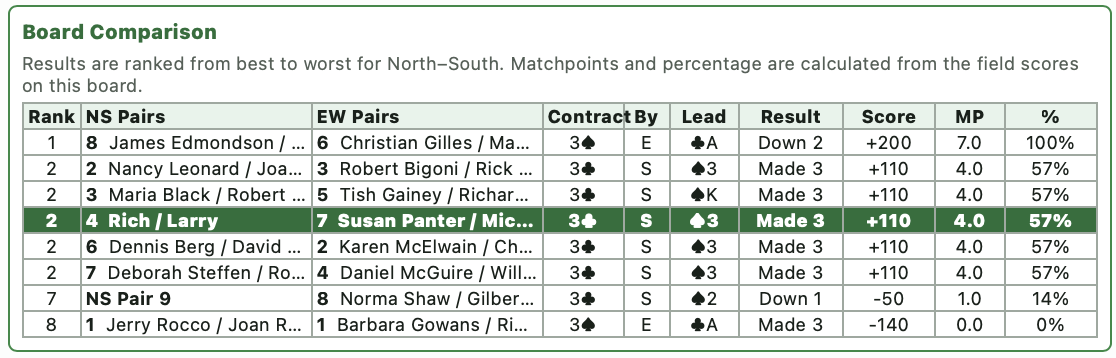
Board Comparison
See what happened at other tables: contracts, declarers, leads, results, scores, matchpoints, and percentages.
Discussion
At the bottom of each Detailed Board Information page is a discussion area where
you and your partner can exchange comments on individual boards.
Discuss individual boards in sequence, continue the conversation for as many rounds as you wish, and easily see which boards have new comments waiting for review.